 shinbo
Quick Ask on the notch, plus terminal, browser and voice
Ask Shinbo from the notch, and work in a terminal, a browser, your voice or an artifact.
These guides describe the current development source. The published v0.9.2 release can differ; check release notes before following a workflow.
Shinbo, anywhere, without leaving the app you are in.
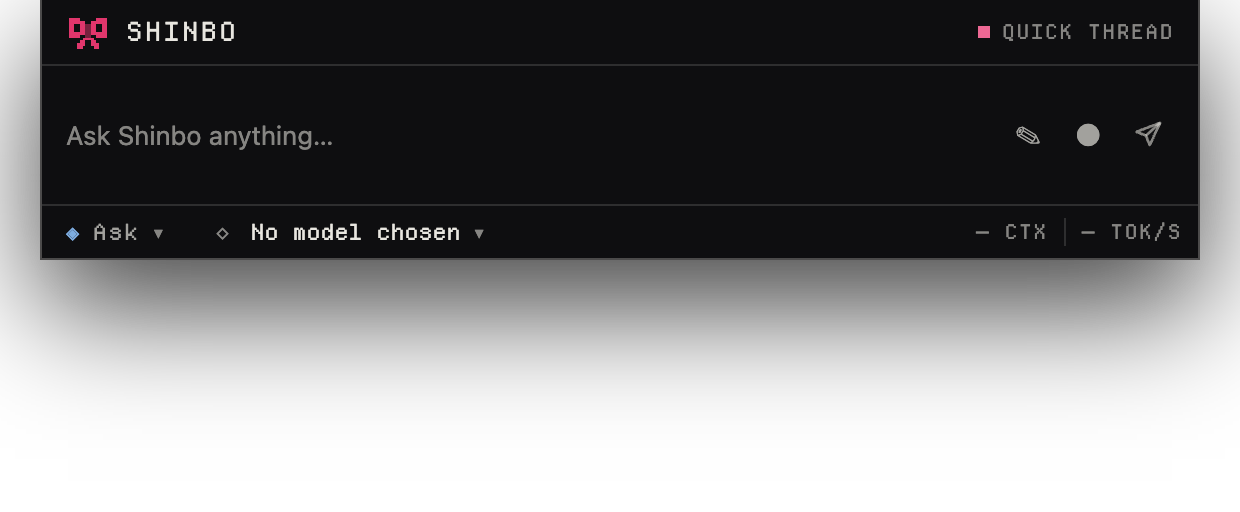
Quick Ask is a small island that opens over whatever you are doing, with a transcript, composer, model and mode pickers and live tok/s. Inside the workspace, six surfaces sit beside the thread: terminal, browser, voice, artifacts, goals and knowledge.
- Double-tap left Option (macOS) or left Alt (Windows). On a Mac, Quick Ask opens on the camera housing; on Windows, a pill parks top-right in the work area until you drag it.
- Type a question. The answer streams in the island.
- Press ⌘1–⌘3 (Ctrl+1–3 on Windows) to run one of three saved quick actions. Sweep the cursor down through the notch and the same three hang under the island as orbs.
- Drag the island off the housing. It becomes a 44px chip; click the chip to reopen the island beside it.
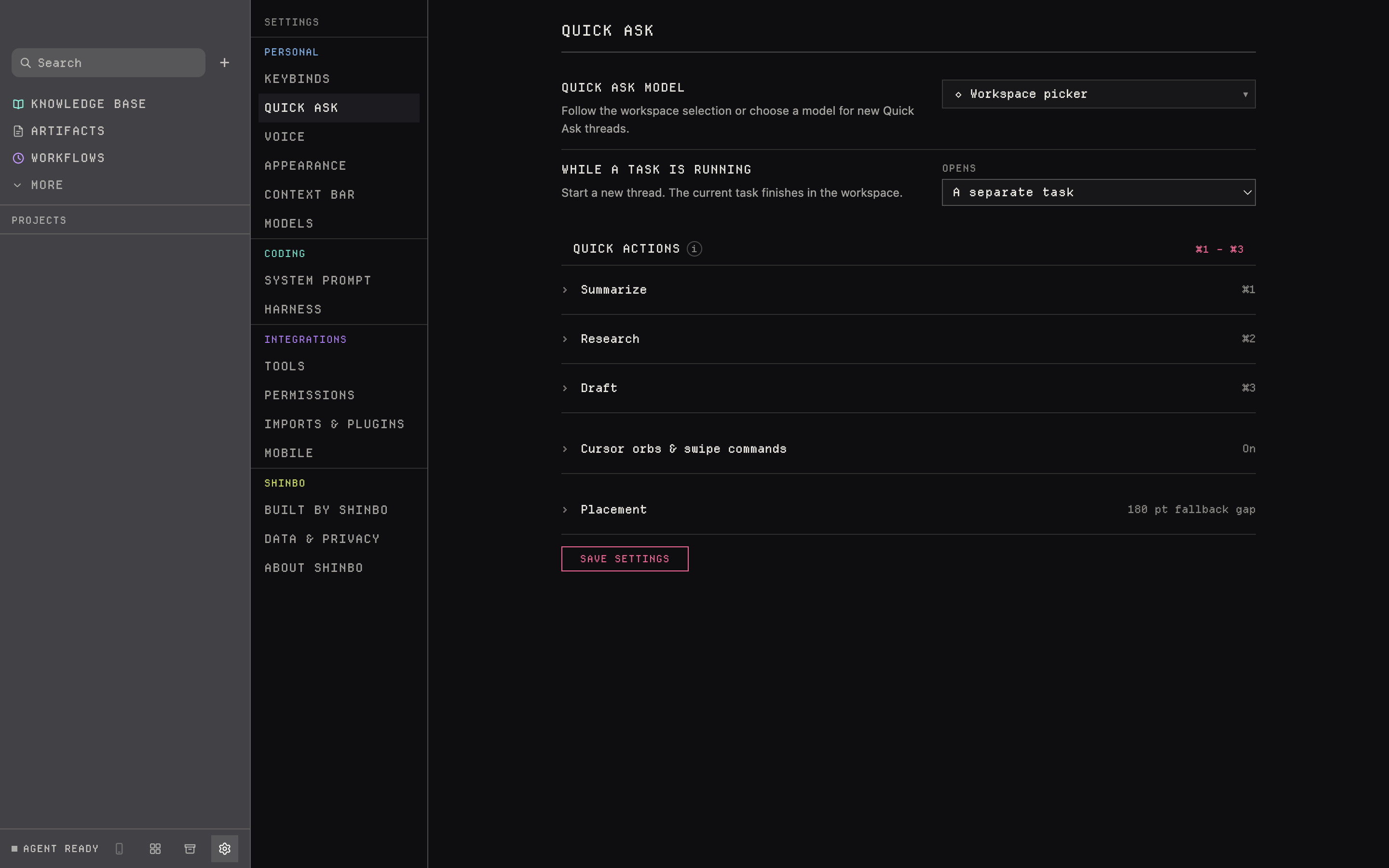
- Settings → Quick Ask edits the three prompts, cursor orbs, swipe commands and placement. Settings → Keybinds changes the shortcuts.
How the notch works
On macOS the island is measured per display and sits on the real camera housing; a monitor without one gets a calibrated virtual notch. Closed, a transparent hotspot sits over the housing and is click-through until the cursor is inside, so the menu bar keeps working.
Quick actions are a fixed ring of three, each a label and a prompt you edit in Settings → Quick Ask.
A Quick Ask turn is an ordinary turn: it runs under the permission mode you picked and can be queued, steered and stopped like any other.
The six surfaces
A real login shell under the thread
Up to eight real login shells in the thread's folder, through Shinbo's own pty helper and xterm.js. Select output and it becomes a context chip; ⌘-click a URL and Shinbo asks which browser takes it.
One Chromium session per thread
Its own cookies and its own place, and the agent drives the page you are looking at. Dock it in the column or float it as a PIP — same session either way.
Dictation that never leaves the Mac
Off until you turn it on. Recording is local; transcription is Speech.framework or llama.cpp on loopback. A non-local endpoint is refused when saved and again before use.
Files that outlive the conversation
Seven kinds — markdown, code, html, app, svg, mermaid, react. Pages get their own CSP, and an artifact that names a surface is mounted as a real module in Shinbo's own interface.
One objective a thread keeps working at
Shinbo re-drives the thread without being asked again, and stops on evidence, on the same blocker three turns running, or at 200,000 tokens and 40 turns. The invariants live in Rust.
Markdown in a folder you already own
An Obsidian vault or any plain directory. One note per save, YAML front matter under <vault>/knowledge-base, attachments beside it. No mirror, no database.
Artifacts
The artifact tool writes a file the conversation can keep: markdown, code, html, app, svg, mermaid or react. HTML pages render under their own CSP. A code artifact that names a surface is mounted as a real module inside Shinbo's interface; in Ask and Accept edits modes, Shinbo shows the whole module and asks before mounting it.
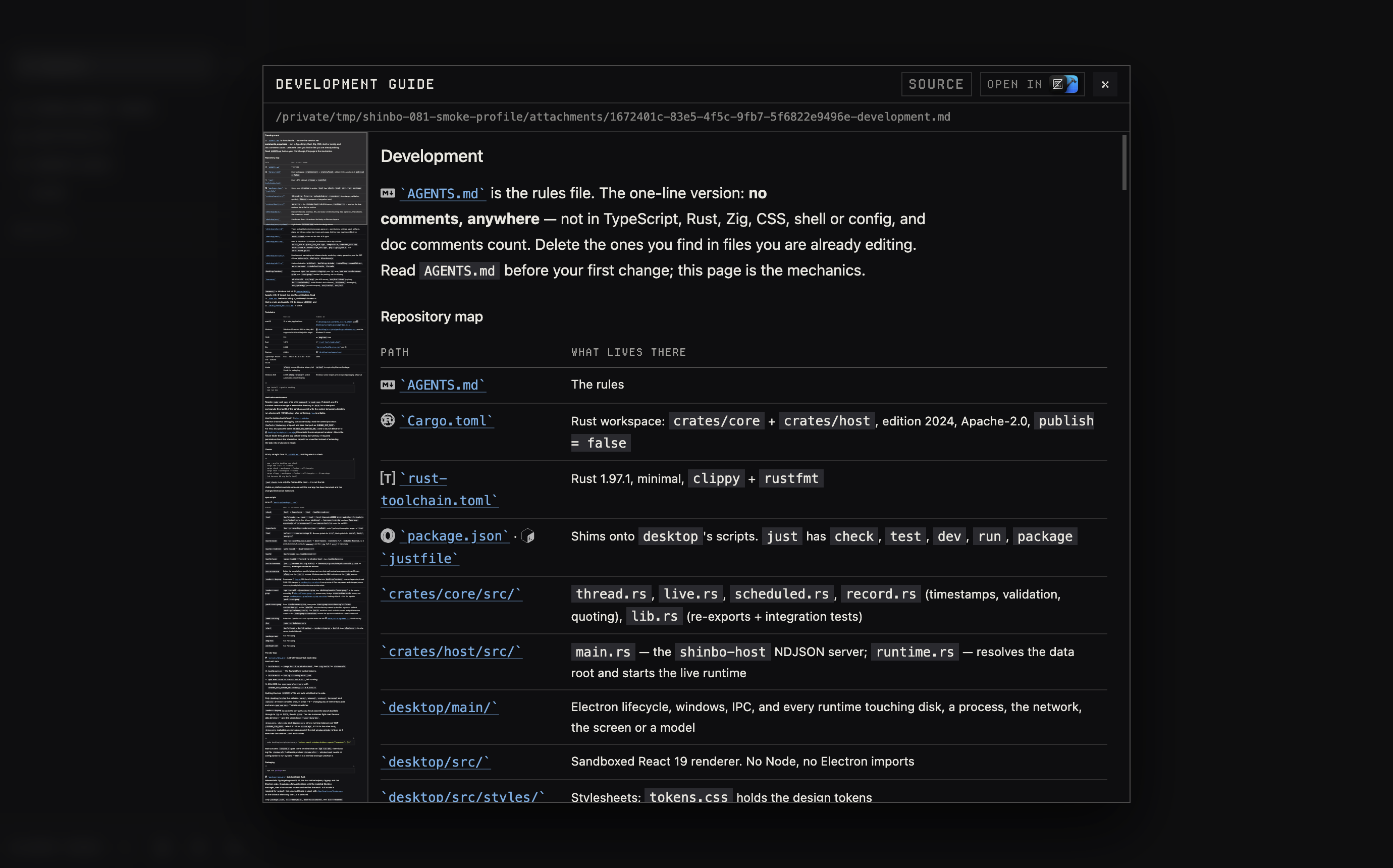
Long Markdown and source-code previews have a minimap on the left showing a scaled copy of the rendered content and your visible position. The miniature pans as you scroll through long documents. Click to jump or drag to scroll. With the minimap focused, use the arrow, Page Up, Page Down, Home and End keys to navigate. It appears in file previews and artifact viewers only when the content overflows.
A code artifact can also replace one of four interface regions — navbar, chat, notch or context — by exporting (api) => Component. If the replacement throws, the built-in returns at once. This is a controlled swap of named regions, not free modification of the app.
Files and changes
Files opens a folder tree for any folder the thread has been granted. Files open in tabs: text edits save with a conflict check against the disk, and images, Markdown and CSV/TSV tables preview in place. Each save is recorded as a thread change. A file path in a reply or an edit step opens the pane at the named line, and a text selection can be picked into the composer as context.
Changes and Git open in a resizable pane beside the conversation. Opening either collapses Context; closing it restores the previous Context state. In Changes, unchanged lines collapse into expandable rows so edits are visible first. Click a row, or focus it and press Enter or Space, to show or hide its context. Git also lets you resize its changed-file list and history sections; their heights are saved.
Terminal, browser, voice
The terminal opens up to eight login shells in the thread's folder; select output to turn it into a context chip. The browser is one Chromium session per thread with its own cookies, docked or floating as a picture-in-picture. Type an address or a phrase to search Google. New tabs list local listening ports you can open as localhost pages. Right-click for link, image, text and navigation actions; View options expands, pops out or docks the browser. Packaged builds include agent-browser, so browser automation needs no separate install. Voice is off until you enable it. Recording stays local and transcription runs through Speech.framework on macOS, SAPI on Windows, or llama.cpp on loopback.
- Quick Ask on the notch, the Mac permission flows and local voice are Mac-first. Windows has the pill and Alt shortcut; do not assume full parity.
- Quick Ask needs the Accessibility grant on macOS before it can open.
- Three quick actions, no more. The ring is not extensible.
- Voice refuses any non-local transcription endpoint, when saved and again before use.
Related: Knowledge for the sixth surface, Plan for goals, Control for the Accessibility grant and the modes a Quick Ask turn runs under.