 shinbo
Subagents, sub threads and steering a running turn
Hand work to a subagent that finishes and folds back, or a sub thread that stays, and steer or stop either while it runs.
These guides describe the current development source. The published v0.9.2 release can differ; check release notes before following a workflow.
A thread outlives every run inside it.
A thread is a Markdown file. A run is one agent loop inside it and dissolves when the job is done. The composer, Quick Ask and a due job all start a run the same way, so the same queue, steer and stop controls apply to each.
- Start a turn in any thread. While it runs, type a follow-up and press Enter to queue it, or ⤳ to steer the turn in flight.
- Press Escape to stop. The partial answer goes to history and anything queued is held, not lost.
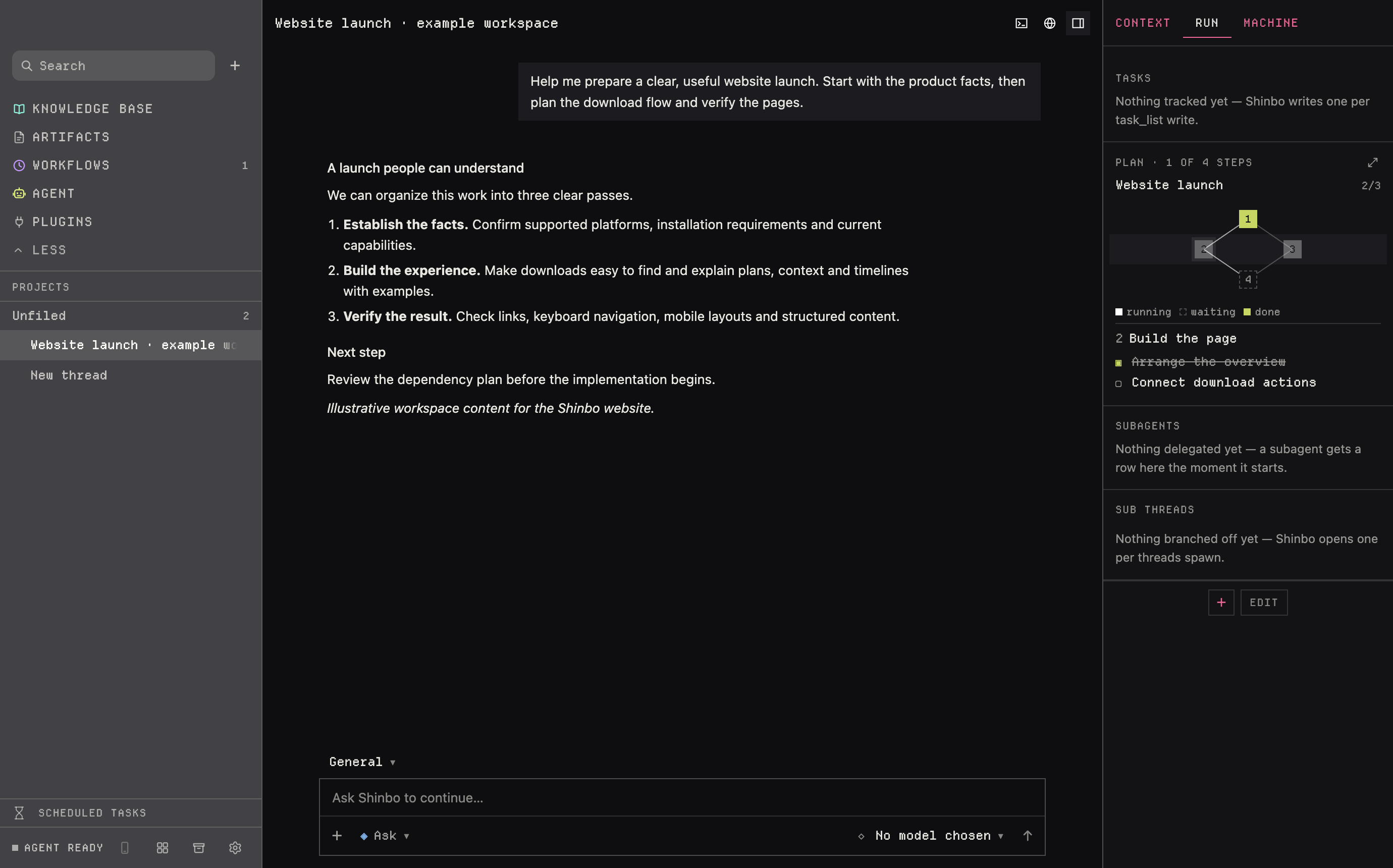
- Ask for a task to be split up. Each subagent gets its own tab, transcript and sidebar colour; open a tab to read, steer or stop it.
- Ask for a sub thread when the work should survive the turn. It appears nested under the calling thread in the sidebar.
- When a thread is done, archive it. Find it later under Archive and press Restore if you need it back.
By default, Shinbo handles bounded searches and cleanup directly. It delegates substantial independent work when the parent can make useful progress on separate work, or when you or the repository instructions require delegation. Related discoveries stay outside the requested scope unless they are necessary to complete it.
Two ways to delegate
Subagent. The harness's own tool. A child runs in the same process and never queues behind its parent. It has a real transcript, a colour in the sidebar and a tab you can steer or stop. It inherits the parent's permission mode and cannot exceed it. A plan runs up to eight at once.
Sub thread. threads spawn starts an ordinary thread owned by the caller and nested under it. It works beside the calling turn rather than inside it, keeps its own Markdown file and is still there tomorrow. Eight at once.
Queue, steer, stop
- Enter
- queues; the queue drains one turn at a time
- ⤳
- steers; the text lands at the next model step
- Escape
- stops, writes the partial answer to history, holds the queue
The Timeline inspector component shows every turn as a waterfall of model requests, tool calls, subagents and CLI runs. It is the quickest way to see what a delegated turn spent its time on.
Reading the sidebar
Priority and pinned threads use square two-line rows: the thread title, then the project underneath. Working, needs input, failed and unread indicators sit on the right, beside a phone marker.
A PR badge shows open, draft, closed, merged or conflicts for the current folder branch, read through gh pr view and cached for a minute. It needs the GitHub CLI installed and signed in. The badge follows whatever branch the folder is on now; a thread does not remember the branch it started on.
Archive
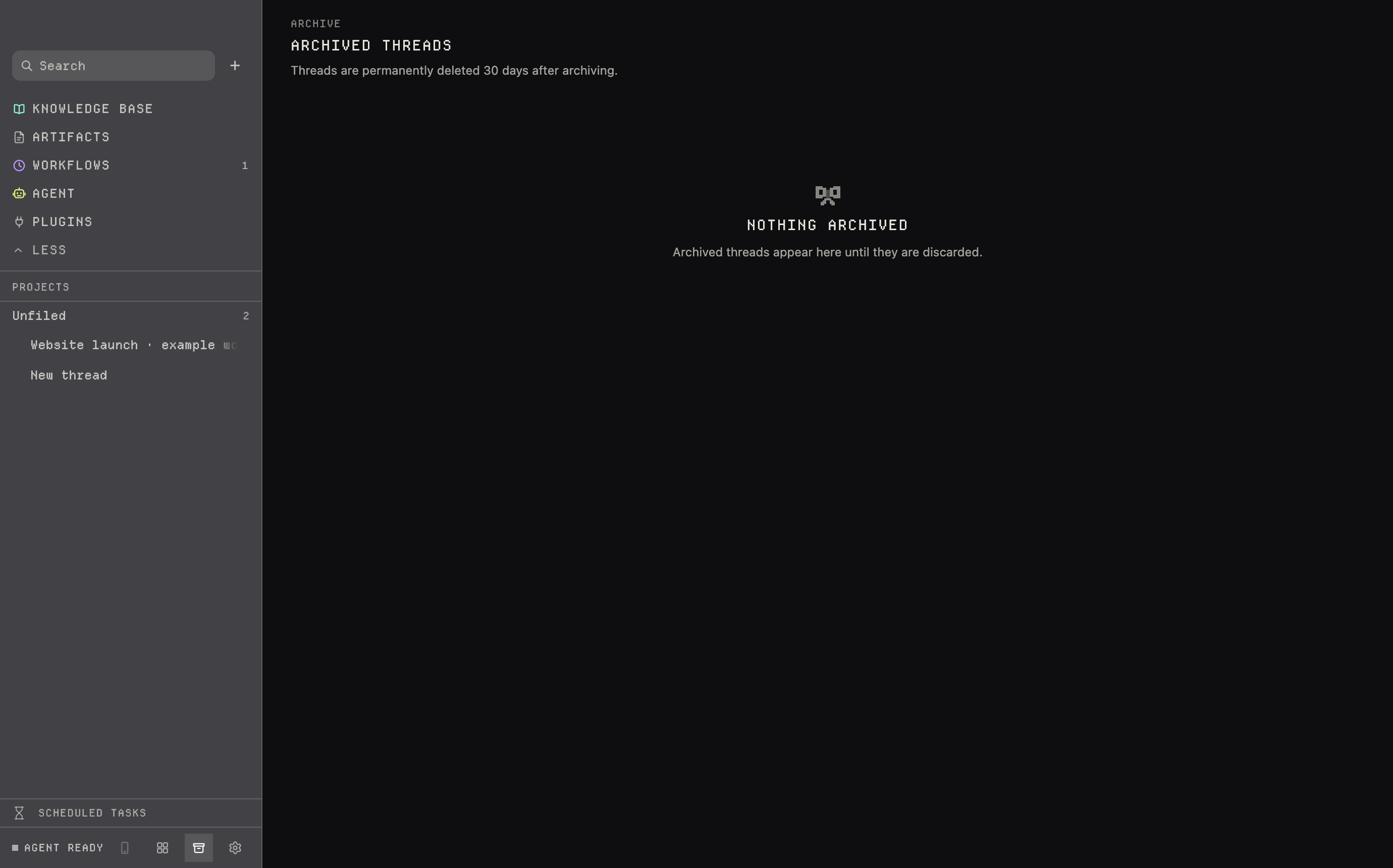
Archive groups threads by the local day they were archived, newest first, and highlights those in their last two days. Restore brings a thread back; a thread is permanently deleted 30 days after archiving.
- A subagent cannot call
computer; the parent performs app actions. - A subagent inherits the parent's mode and cannot exceed it, so set the mode on the parent thread.
- Subagent spend does not count toward the parent's goal allowance.
- The PR badge needs
ghinstalled and signed in; without it no badge appears.
Related: Plan for waves of subagents, Harness for delegating to another CLI, Control for the modes a subagent inherits.