 shinbo
Markdown notes, straight into your Obsidian vault
Shinbo saves what it learns as Markdown notes in an Obsidian vault or plain folder you own.
These guides describe the current development source. The published v0.9.2 release can differ; check release notes before following a workflow.
Notes you can walk away with.
The keep tool saves one Markdown note per save into a folder you choose — an Obsidian vault or any plain directory. The folder is the store. There is no mirror and no database, so the notes stay yours if you stop using Shinbo.
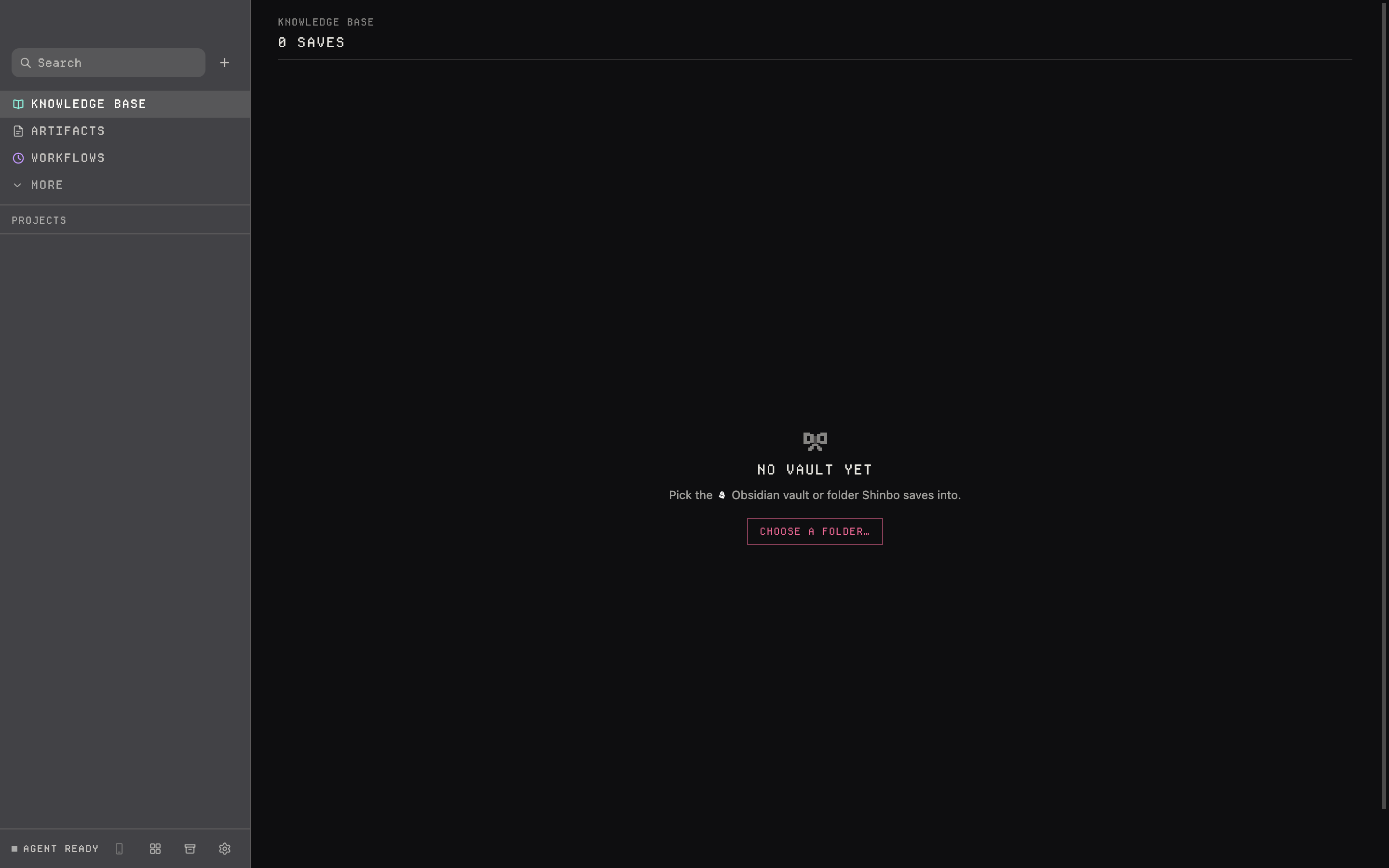
- Open the Knowledge surface beside a thread. On a fresh workspace it asks you to choose a vault.
- Pick your Obsidian vault, or any folder. Notes land under
<vault>/knowledge-baseby default. - Ask Shinbo to keep something — a page, a note, a selection or a screenshot. It writes one
.mdfile with front matter, attachments beside it. - Open the file in Obsidian or any editor. The note tagger fills in a title and tags shortly after the file lands.
What a note contains
Every note starts with YAML front matter: title, kind, date, source, application and tags. The body is the kept text. Images go next to the note as ordinary files.
The target path is checked to be inside the folder before anything is written. Each note goes to a temporary file first and is then renamed into place, so a failed save leaves no half-written note.
- Store
 Obsidian vault or plain folder
- Default folder
<vault>/knowledge-base- Kinds
- page · note · selection · screenshot
- Note ceiling
- 256 KiB body
- Attachment ceiling
- 8 MiB per image
Note tagger
After a note lands, the note tagger gives it a title and tags using its configured model. That call goes to the model's provider, so saving to a local folder does not by itself make processing offline.
Memory is separate
The memory tool is a different store: Shinbo's own /memories notes, carried between conversations. The agent can view, create, edit, insert into, delete and rename them. Knowledge is for you; memory is for the agent. Neither promises complete recall.
- A note body is capped at 256 KiB and an image at 8 MiB; larger material needs splitting.
- The tagger sends note text to its configured model after the save. Point it at a local model if the text must stay on the machine.
- A saved note is a file, not active context. Give the agent its path when you want it read.
Reuse a decision in another task
Ask Shinbo to keep a short decision, its reason and any source paths. Open the resulting Markdown file and check what was saved. In a later thread, give its path and ask the agent to read it before starting the next task, and check that the answer uses it. The handoff is the file path; nothing is recalled on its own.
A thread records the conversation; a note is a separate file in your folder. Archived threads are deleted after 30 days, so a decision worth keeping belongs in a note, backed up like the rest of your files.
Related: Notch & surfaces for the other five surfaces, Models for the note tagger's model, Tools for the keep and memory tools.